
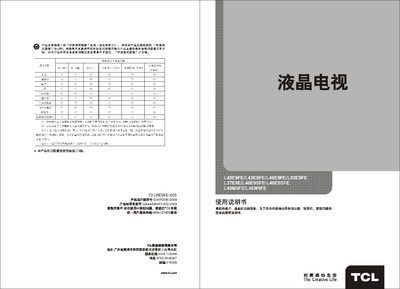
TCL L40E9FE/L42E9FE/L46E9FE/L52E9FE/L37E9E/L40E9SFE/L46E9SFE/L40M9FE/L46M9FE Television User Manual


TCL L40E9FE/L42E9FE/L46E9FE/L52E9FE/L37E9E/L40E9SFE/L46E9SFE/L40M9FE/L46M9FE Television User Manual - cover page
Brand
TCL
Category
Television
Document type
User Manual
Language
Chinese
Pages
25
File format
PDF
File size
6.9 MB
Published
21 March, 2012
Updated
29 March, 2012
MD5 checksum
D64BBC9C47D483ACCA17058D5F8F6ADD

About this manual

This manual provides step‑by‑step instructions for installing and using TCL L‑series LCD televisions. It includes safety warnings, connection diagrams, remote‑control functions, and detailed operating procedures.

Additional sections cover network streaming features, USB/PCLink/mitv functions, technical specifications, and a troubleshooting guide to help resolve common issues such as picture loss or audio problems. This manual is written in Chinese.

What's inside

  • Introduction
  • Safety warnings and precautions
  • Main accessories
  • Features and specifications
  • Front and rear view with connection diagram
  • Remote control operation
  • Basic operation
  • USB/PCLink/mitv functions FAQ
  • Technical specifications
  • Troubleshooting and fault analysis

Specifications

Working voltage220 V – 50 Hz
Operating temperature range5 °C – 35 °C

Frequently asked questions

Why is streaming video not smooth?

Check your network bandwidth; streaming requires at least 512 kbps, and HD video needs higher bandwidth. Also consider network congestion during peak times.

What should I do if there is no picture and no sound?

Verify the antenna or cable connection, check the power supply, ensure the TV is set to the correct input source, and confirm the remote control batteries are installed correctly.

Download PDF (6.9 MB)

More TCL Manuals


View all TCL manuals →