
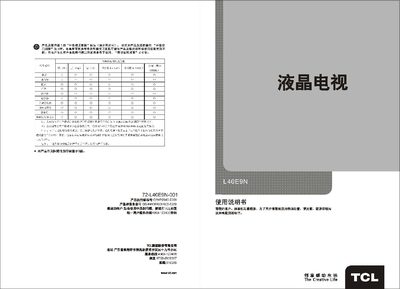
This manual introduces the TCL L40E9N high‑resolution LCD television, covering its safety precautions, basic operation, remote‑control usage and connection diagrams. It explains how to install the antenna, select inputs, adjust picture settings and use the built‑in audio and video functions.
Technical specifications such as power requirements, dimensions, environmental limits and supported video/audio interfaces are listed, followed by a troubleshooting section that helps resolve common issues like no picture, no sound or remote‑control problems. This manual is written in Chinese.
| Working Voltage | 220 V 50 Hz |
|---|---|
| Audio Output Power | 2 W |
| Reception Frequency | 470 MHz (full‑band cable TV, DS1‑57CH Z1‑Z38CH) |
Press the power button on the remote control or the power switch on the TV to toggle between standby and on states.
Verify that the antenna or cable is properly connected, ensure the selected input source matches the signal source, and check that the signal strength is adequate.
Enter the Image Settings menu, select the Backlight option, and use the left/right keys to increase or decrease the brightness.