
This document provides an overview of the features and characteristics of AH68-01283C (Rev 0.0) 3 2.
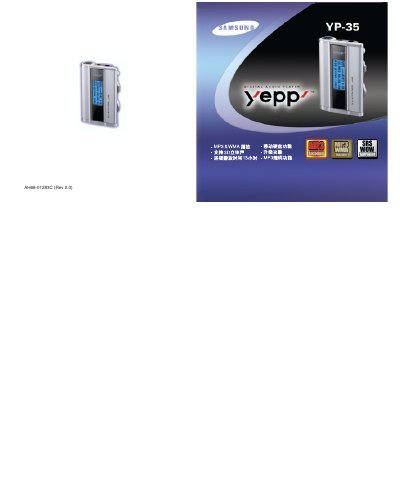
This manual explains how to install the USB driver, connect the YP-35 to a PC, and use basic functions such as playback, volume control, and recording. It also covers additional features like SRS 3D sound, EQ settings, and firmware upgrades.
Safety guidelines, environmental limits, troubleshooting tips, and detailed specifications are included to help users maintain reliable performance and avoid damage. This manual is written in Chinese.
| Continuous Playback Time | Up to 15 hours |
|---|---|
| Dimensions | 66.5 mm × 45 mm × 16.5 mm |
| Noise Ratio | 80 dB with 20 kHz LPF |
| Headphone Output | 5 mW (max 10 mW) |
| Frequency Response | 20 Hz – 20 kHz |
Connect the USB cable, run the driver installer from the supplied CD, and verify that "Samsung YP-35" appears in the Device Manager.
Run the YP-35 program on the PC and use Windows Explorer to format the device.