
This document describes the features and characteristics of the AH68-01633K model, including MP3 playback, FM radio, and USB connectivity.
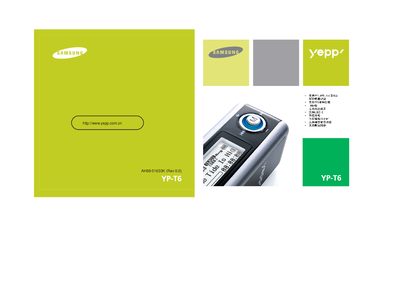
The Samsung YP‑T6 is a portable media player that supports MP3, WMA, ASF and Ogg audio files, FM radio, USB 2.0, voice recording, lyric sync, 3D stereo sound and up to 20 hours of continuous playback on alkaline batteries. It also offers a built‑in hard‑drive function for copying files directly from a computer.
This manual explains how to unpack the device, install the Yepp USB driver on Windows, connect the player to a PC, use the playback controls, record voice, manage playlists, adjust settings, and resolve common issues such as driver problems, battery warnings, and playback errors. This manual is written in Chinese.
| Continuous Playback Time | Up to 20 hours |
|---|---|
| Frequency Response | 20 Hz – 20 kHz |
| Signal‑to‑Noise Ratio | 89 dB |
| FM Frequency Range | 87.5 – 108 MHz |
| FM Sensitivity | 10 dB |
Insert the supplied CD, run the "Install yepp USB Driver" program, and follow the on‑screen prompts. After installation, verify the device appears as "Samsung yepp YP‑T6 USB Device" in the Windows Device Manager.
With a standard AA alkaline battery the player can operate for up to 20 hours of continuous playback.
Use the built‑in voice recording function, which can capture lectures, meetings or high‑quality audio directly to the device.