
This is the user manual of Yepp YP-D1 MP3 player, which supports MP3, WMA, Ogg and other formats, has a built-in 1.8-2GB storage space, supports 3D effects and DNSe sound effects, and can be connected to a computer via USB for file transfer
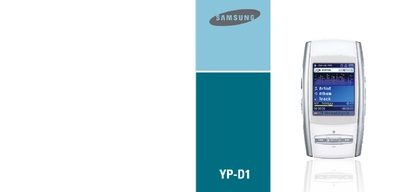
This manual explains how to operate the Samsung YP-D1 MP3 player, covering basic navigation, menu functions, and playback controls. It includes information on connecting the device to a computer via the USB 2.0 port and using the built‑in FM radio.
The document also lists the supported audio and video formats, memory options for different model variants, battery specifications, and safety guidelines. Technical specifications such as frequency range, video frame rates, and supported codecs are provided for reference.
| Battery voltage | 3.7 V |
|---|---|
| Supported audio formats | MP3, WMA, ASF, Ogg Vorbis |
| Supported video formats | MPEG‑4 (10–15 fps), MJPEG (6 fps) |
| FM radio frequency range | 87.5 MHz – 108.0 MHz |
| USB interface | USB 2.0 |
It supports MP3, WMA, ASF and Ogg Vorbis audio files.
Use the built‑in USB 2.0 port with a USB cable to connect to a PC.
Yes, it receives FM radio in the 87.5 MHz to 108.0 MHz band.