
YP-N30 is Samsung's MP3 player, supporting MP3 and WMA formats of music files, using USB 1.1 interface, built-in 64/128MB storage space, supporting song loop playback, EQ equalizer, playlist and other functions
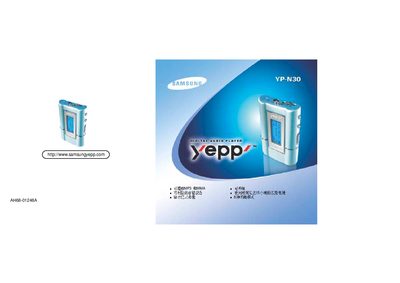
The Samsung YP‑N30 is a portable digital audio player that supports MP3, WMA and MPEG‑1 Layer 3 files. It features an LCD display, USB connectivity for PC transfer, and optional memory capacities of 64 MB or 128 MB.
The manual explains how to install the USB driver, use the Add New Hardware wizard, and operate the player, including battery information (AAA/LR03) and environmental limits such as temperature and humidity.
| Memory capacity | 64 MB or 128 MB |
|---|---|
| Operating temperature | 3 °C ~ 35 °C (41 °F ~ 95 °F) |
Connect the player with the supplied USB cable and install the USB driver using the provided installer.
The device operates between 3 °C and 35 °C (41 °F to 95 °F).