
This document is the user manual for the IC-485S / IC-485SI RS-232 to RS-485 interface converter, providing installation and usage instructions to prevent damage to the device and connected devices.
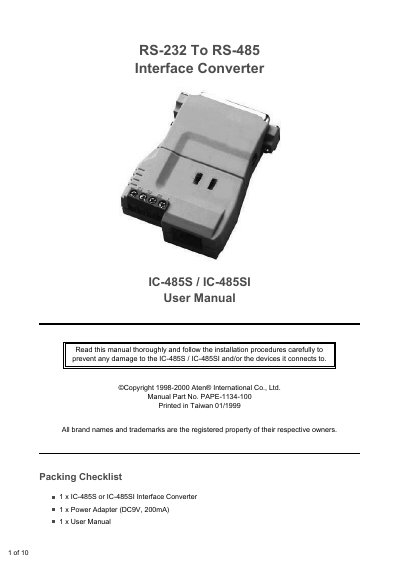
The IC-485S/IC-485SI is a bidirectional RS-232 to RS-485 interface converter that supports Point‑to‑Point, Multidrop, Simplex and Monitor (IC‑485S only) operations over distances up to 1200 m (4000 ft). Configuration is performed with two slide switches (SW1 and SW2) to select device mode and transmission mode.
The manual details wiring diagrams, switch settings for each operating mode, installation steps—including connector and grounding requirements—and a self‑test procedure. It also includes a troubleshooting guide, a terminal‑block pinout table, and warranty information.
| Power supply | DC 9 V, 200 mA |
|---|---|
| Maximum communication distance | 1200 m (4000 ft) |
| Conversion type | Bidirectional RS‑232 to RS‑485 |
| Operating modes | Point‑to‑Point, Multidrop, Simplex, Monitor (IC‑485S only) |
Set switch SW1 to the DCE position.
It requires a 9 V DC power adapter rated at 200 mA.
The device supports Point‑to‑Point, Multidrop, Simplex, and Monitor (IC‑485S only) modes.