
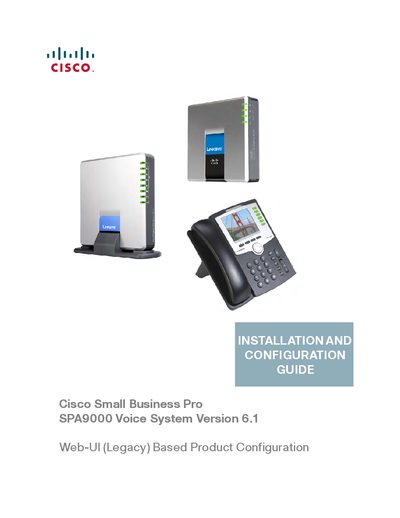
The Cisco Small Business Pro SPA9000 Voice System Version 6.1 Web-UI (Legacy) Based Product Configuration INSTALLATION AND CONFIGURATION GUIDE is a guide that provides installation and configuration instructions for the Cisco Small Business Pro SPA9000 Voice System Version 6.1 Web-UI (Legacy) product, and describes its features and characteristics.
This guide is intended for VARs and Service Providers who need to configure the Cisco SPA9000 Voice System. It provides the information an administrator needs to set up the IP PBX, phones, and optional gateway and voicemail server.
The document includes chapters on getting started, preparation, equipment connection, IP phone installation, phone service and voicemail configuration, special features, localization, and several appendices such as troubleshooting and support contacts.
The guide is intended to help VARs and Service Providers manage and configure the SPA9000 Voice System.
It typically consists of a SPA9000 IP PBX, one or more SPA900 Series IP phones, and the optional SPA400 PSTN gateway and voice mail server.
Support contact information is available at www.cisco.com/go/smallbiz.