
This is the WRVS4400N Wireless N Gigabit Security Router with VPN User Guide, which introduces the router's network configuration, security configuration, VPN configuration, etc.
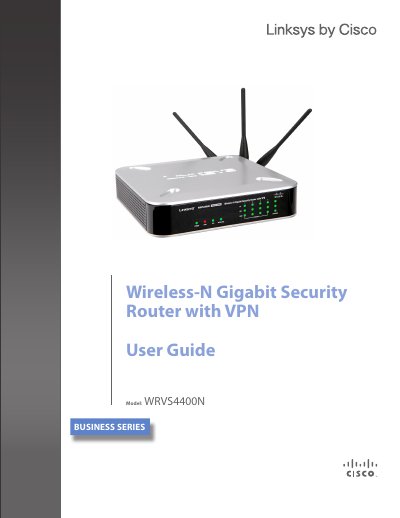
This guide explains how to install, configure, and secure the Linksys WRVS4400N Wireless‑N Gigabit Security Router with VPN. It covers hardware features, basic networking concepts, and advanced security options such as IPS, firewall, and VPN.
The document includes chapters on getting started, networking basics, VPN planning, router hardware overview, connection methods, detailed configuration steps, a VPN setup wizard, troubleshooting, and full technical specifications.
| Supported Wi‑Fi Standards | IEEE802.11n, IEEE802.11g, IEEE802.11b |
|---|---|
| Ethernet Switch | 4‑Port full‑duplex 10/100/1000 |
| 802.11n Data Rate | Up to 300 Mbps |
| Maximum WLAN Clients | Up to 64 |
| Radio Transmit Power (11n) | 16.5 dBm ±1.5 dB |
The router includes a built‑in 4‑port full‑duplex 10/100/1000 Ethernet switch for four wired devices.
It supports an 802.11n data rate of up to 300 Mbps.
The VPN feature allows up to five remote offices and five traveling users to connect at the same time.