
This manual provides information on the hardware and software of the Lenovo Zhaoyang S620 laptop. It introduces the characteristics of the laptop, including the display screen, keyboard, power button, novo key, battery mode switch key, wireless device switch, microphone, status indicator, SD card slot, USB port, PCMCIA card eject button, microphone jack, and stereo speakers.
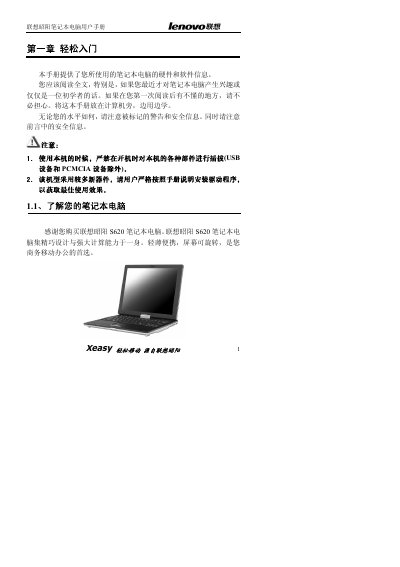
The Lenovo S620 is a portable laptop designed for business mobile office use, featuring a compact design and a rotatable screen. This manual provides essential hardware and software information to help users get started with the device.
The document covers the identification of external components, including the display, keyboard, and various input/output ports, as well as technical specifications for the CPU, memory, and storage. This manual is written in Chinese.
| Chipset | North Bridge: Intel 855GME; South Bridge: Intel ICH4-M |
|---|---|
| Memory | 256MB or 512MB DDR SDRAM SO-DIMM (Max 2048MB) |
| HDD | 2.5-inch (9.5 mm) laptop hard drive |
The novo button can be used to power on and enter 'One-key Recovery' directly, or open the electronic manual when in Windows.
It is designed for business mobile office use, featuring a thin, portable design and a rotatable screen.
The novo button can be used to start the computer and enter "one-key recovery" directly, or open the electronic manual while in Windows.
The AC adapter is compatible with AC power of 100V-240V, 50/60Hz.