
The document is a user guide for the CDI-C132 product, which is an all-in-one printer produced by Canon Corporation.
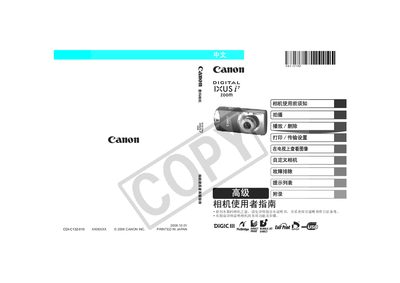
This Canon IXUS i7 Zoom camera user manual explains how to use the camera, including basic operations, menu settings, shooting, playback, and deletion. It also covers printing and transfer setup, viewing images on a TV, and customizing camera settings.
The guide includes operating precautions, safety notices, handling instructions for batteries and memory cards, information on the separately sold battery charger and external flash, camera care, specifications, and a reference table of functions available in each shooting mode. This manual is written in Chinese.
Read the safety precautions before using the camera.
The guide says the camera can use SD memory cards, SDHC memory cards, and MultiNediaCards (multimedia cards), collectively called memory cards.
Yes. The guide says it also supports non-Canon PictBridge-compatible printers.
Set the camera's video signal to the format used in the region.