
Philips SA4100 series audio player user manual, introduces the features and usage of the product.
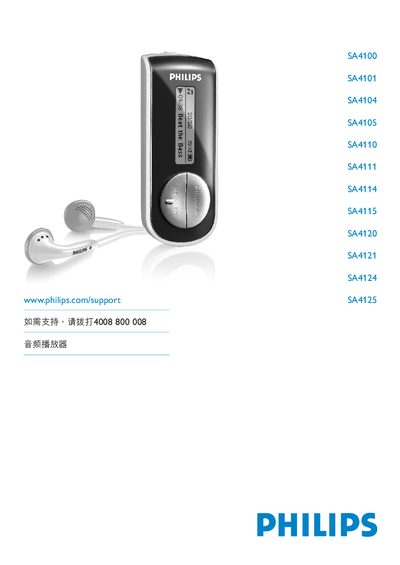
This manual provides important safety information, installation steps, and basic operation guidance for the Philips SA4100‑SA4125 series audio players. It explains how to connect the device, use the supplied headphones, and manage playback with Windows Media Player 10.
The guide also covers system requirements, audio playback modes, volume control, and troubleshooting tips, along with specifications such as operating temperature and required PC hardware. This manual is written in Chinese.
| Operating temperature | 0 °C to 35 °C (32 °F to 95 °F) |
|---|---|
| Storage temperature | -20 °C to 45 °C (-4 °F to 113 °F) |
| Supported OS | Windows XP (SP2 or later) |
| Processor requirement | Pentium class 300 MHz or higher |
| Memory requirement | 128 MB RAM |
| Hard‑disk space | 500 MB free |
| Browser requirement | Internet Explorer 6.0 or newer |
The player can be used in temperatures from 0 °C to 35 °C (32 °F to 95 °F).