
The document contains a series of numbers, letters, and symbols, including information about the features and performance of some products. The document also mentions error and fault codes for some products. Further analysis and interpretation of the document content is required.
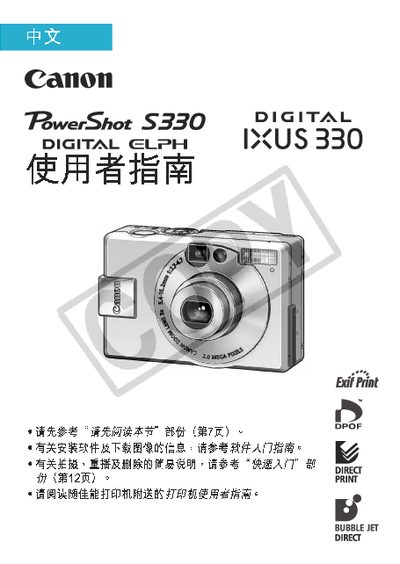
This manual covers all basic functions of the PowerShot S330 camera, including how to install the battery, navigate menus, and use shooting modes. It also explains the LCD display symbols, video output settings, and how to connect the camera to a computer or printer.
Additional sections provide detailed instructions for printing, playback, deleting images, formatting CF cards, and a troubleshooting appendix with safety warnings and warranty information. This manual is written in Chinese.
The camera has a built‑in rechargeable lithium battery that charges automatically when the main battery is inserted.
The red dot signals a condition but does not affect the camera’s operation.
Before connecting to a TV, set the camera’s video signal to the region’s format.
Use a USB cable to connect the camera to the computer and transfer the files.