
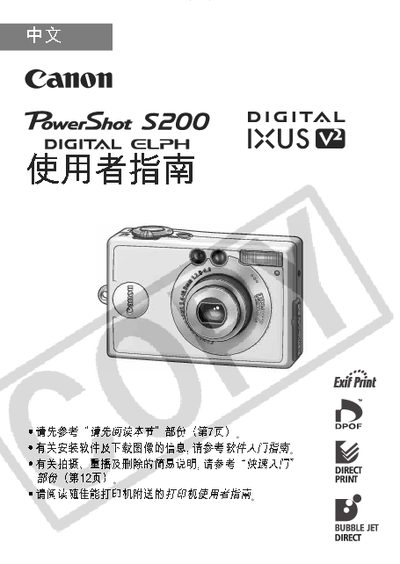
Canon PowerShot S200 User Manual


Canon PowerShot S200 User Manual - cover page
Brand
Canon
Category
Digital cameras
Document type
User Manual
Language
Japanese
Pages
147
File format
PDF
File size
7.8 MB
Published
20 March, 2012
Updated
19 April, 2012
Model
S200
MD5 checksum
FBDCDCB6966E6D6927BDA23EB812CA60

About this manual

This manual guides users through the basic operation of the PowerShot S200, including how to take photos, adjust settings, and use the LCD display. It also covers auxiliary functions such as printing directly from the camera and connecting via USB.

Safety precautions, battery charging instructions, and troubleshooting tips are included, along with a parts guide and an index for quick reference. This manual is written in Japanese.

What's inside

  • User Guide
  • Safety Precautions
  • Parts Guide
  • Print Settings
  • USB Connection
  • Index

Frequently asked questions

How do I connect the PowerShot S200 to a computer?

Connect the camera to the computer using the USB interface as described in the manual.

How can I print photos directly from the camera?

Use the print settings function to send images to a compatible printer.

What safety precautions should I follow when using the camera?

Refer to the safety notice section for important handling and usage warnings.

Download PDF (7.8 MB)

More Canon Manuals


View all Canon manuals →