
This manual describes the operation and maintenance of the CDI-C042 series scanners.
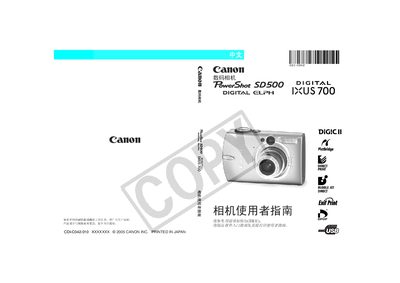
This manual explains how to operate the PowerShot SD500 camera, including shooting modes, menu functions, and safety precautions. It also covers how to connect the camera to a computer, download images, and format SD cards.
Additional sections describe troubleshooting tips, warranty information, and technical specifications such as image resolution and ISO sensitivity. This manual is written in Chinese.
| Maximum image resolution | 640 x 489 pixels |
|---|---|
| Secondary image resolution | 320 x 240 pixels |
| Low‑resolution image size | 160 x 120 pixels |
| ISO sensitivity | ISO 100‑800 (approx.) |
Using non‑Canon accessories may cause malfunctions and void the warranty.