
This document describes the features and characteristics of the Canon EF400mm f/4 DO IS USM lens, including multi-layer diffractive optical elements, image stabilizer, and ultrasonic motor.
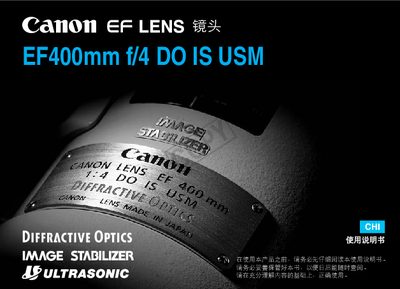
This manual explains safe handling of the EF400mm f/4 DO IS USM telephoto lens, including warnings about viewing the sun through the lens and proper storage. It also details how to install and remove the lens, clean electronic contacts, and attach the dust‑proof and filter caps.
Operational sections cover focus‑mode selection (AF, MF, One‑Shot AF, Servo AF), focus‑range switches, the image‑stabilizer switch and its two modes, and troubleshooting tips. A specifications table at the end lists optical and physical data for the lens. This manual is written in Chinese.
| Focal length / Maximum aperture | 400 mm f/4 |
|---|---|
| Lens construction | 13 groups, 17 elements |
| Minimum focusing distance | 35 m |
| Maximum diameter × length | 128 mm × 232.7 mm |
| Weight | 194 g |
| Filter thread | 120 mm |
No. The manual warns not to view the sun or bright light sources through the lens or camera, as it can damage eyesight and cause fire.
Set the focus‑mode switch to MF and then turn the focus ring to focus manually.