
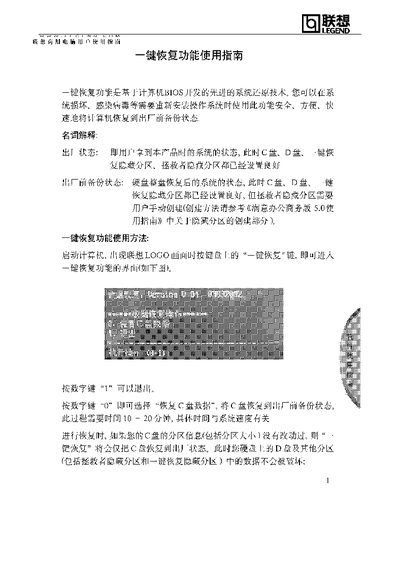
The guide introduces the One‑Key Recovery function, which is based on BIOS technology and allows users to quickly restore the system to its original factory backup when the OS is damaged or infected. It defines key terms such as "factory state" and "pre‑factory backup state" and explains the hidden recovery partitions used by the feature.
Step‑by‑step instructions show how to invoke the recovery mode by pressing the One‑Key Recovery key at the Lenovo logo, select the desired restore option, and understand the consequences of restoring the C‑drive when partition information has been altered. The guide also warns about data loss and the space occupied by hidden partitions. This manual is written in Chinese.
| Restoration time | 10‑20 minutes |
|---|---|
| Hidden recovery partition size | approximately 1 GB |
| Usable space reduction | 6‑9 GB less than rated capacity |
Power on the computer and press the One‑Key Recovery key when the Lenovo logo appears.
The process typically takes between 10 and 20 minutes, depending on system speed.