
This is the user manual for BBK electronic dictionary, which mainly introduces the features and usage of the product
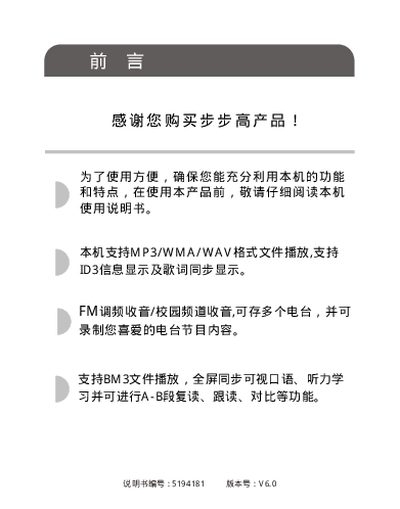
This document is the user manual for the BBK V1 digital walkman. It covers basic usage, including turning the device on and off, connecting headphones, and charging the internal battery. The guide details how to connect the device to a computer for file transfer and firmware upgrades using the provided software. This manual is written in Chinese.
| Internal Capacity | 256MB/512MB/1GB |
|---|---|
| Power Source | Built-in Lithium Battery |
| Headphone Output | 5.5mW(L)+5.5mW(R) |
| Communication Interface | Full-speed USB 2.0 |
| Display | Dual-color OLED |
| Dimensions | 50.5mm x 30.5mm x 15.5mm |
The device supports MP3, WMA, WAV, and BM3 file formats for playback.
Use the dedicated BBK adapter or connect via a USB adapter or extension cable to a computer.
Check if the battery is charged, restart the device, check for damaged files, or format the device and re-download files.