
This document is a manual for a product from BBK. It introduces the functions and features of the product, including support for multiple file formats, radio function, e-book reading, etc.
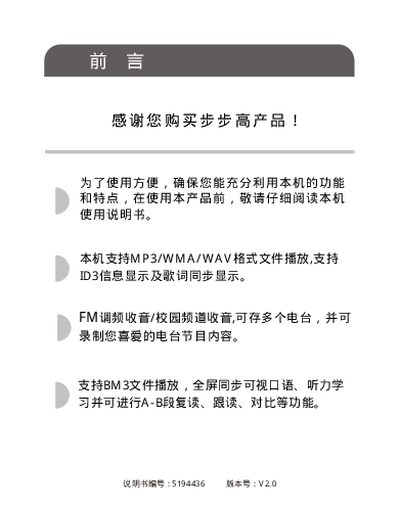
This manual provides step‑by‑step instructions for using the BBK V8 portable media player, covering basic functions such as MP3/WMA playback, FM radio, e‑book reading, and language learning features. It also details how to connect the device to a computer, install drivers, and update firmware.
Safety and maintenance guidelines are included, advising proper charging with the BBK charger or USB, backing up important data, and avoiding exposure to high temperature or moisture. Service and warranty information is provided at the end of the document. This manual is written in Chinese.
Use the BBK dedicated charging adapter or connect the device to a computer via USB to charge the built‑in lithium battery.
Make a backup of important files or record them elsewhere, as the company is not responsible for data loss caused by improper operation or repair.
Firmware and driver updates can be downloaded from the BBK website at http://www.eebbk.com.
Connect the device to a computer using the provided USB cable and follow the on‑screen instructions.