
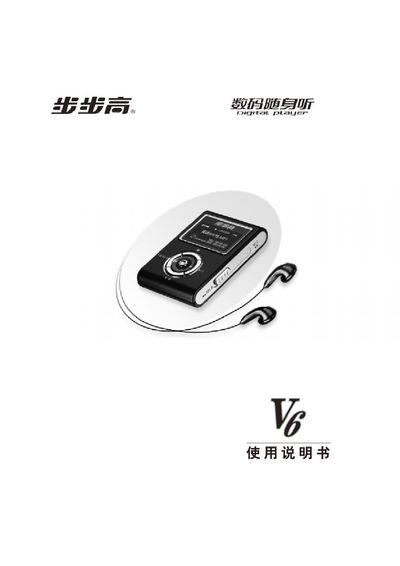
BBK V6 Digital Walkman User Manual


BBK V6 Digital Walkman User Manual - cover page
Brand
BBK(vivo)
Category
Other Electronics
Document type
User Manual
Language
English
Pages
44
File format
PDF
File size
904 KB
Published
20 March, 2012
Updated
29 March, 2012
MD5 checksum
8D8FAEB82E4A4B66FA098BDCD0FAF191

About this manual

This manual explains how to use the BBK V6 digital walkman, a portable MP3/WMA/WAV player. It covers the button layout, playback controls, battery handling, and how to connect the device to a computer via USB.

Technical details such as supported audio formats, display resolution, dimensions, and power requirements are listed, along with troubleshooting tips and safety information.

What's inside

  • Introduction
  • Supported Audio Formats
  • Button Layout and Functions
  • Battery and Power Management
  • USB Connection
  • Display Specifications
  • Physical Dimensions
  • Troubleshooting
  • Warranty and Service

Specifications

Supported audio formatsMP3, WMA, WAV
Display resolution128 × 64 pixels
USB interfaceUSB 2.0
Dimensions (L × W × H)65 mm × 42 mm × 12 mm
Typical current consumption30 mA

Frequently asked questions

What audio formats does the BBK V6 support?

It supports MP3, WMA, and WAV files.

How can I connect the BBK V6 to a computer?

Connect it using the built‑in USB 2.0 port.

What are the dimensions of the BBK V6?

The device measures 65 mm × 42 mm × 12 mm.

What is the display resolution of the BBK V6?

The screen resolution is 128 × 64 pixels.

Download PDF (904 KB)

More BBK(vivo) Manuals


View all BBK(vivo) manuals →