
This is the installation guide for Nero 7, which guides users how to install Nero 7 and use Nero 7 to create video, data and audio discs
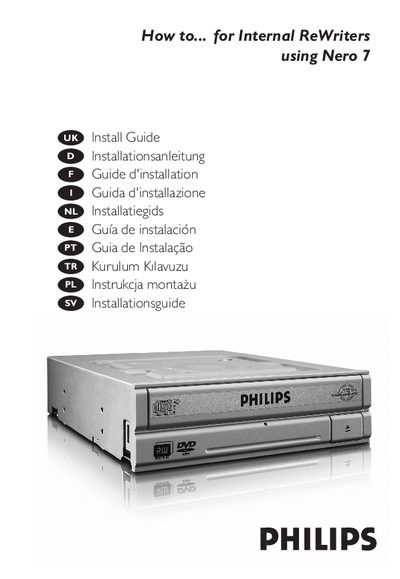
This guide provides the procedures needed to install the Nero 7 burning software and the associated optical drive, covering hardware connections, jumper settings, and software setup. It includes multilingual tables of contents and detailed diagrams for IDE cable wiring and drive placement.
Safety information is included, such as electrostatic discharge precautions, laser‑hazard warnings, and FCC compliance measures to avoid radio‑frequency interference. The document ends with copyright and contact details for Philips.
| Laser wavelength | 775‑795 nm (CD) – 660 nm (DVD) |
|---|---|
| Read output power | 1.4 mW – 2.5 mW |
| Write output power | 90 mW (CD) – 27 mW (DVD) |
| Beam divergence | 60 degree |
Touch an unpainted metal part before handling the drive to prevent static damage.
Reorient or relocate the receiving antenna, increase separation, or use a different circuit outlet.
Do not remove the cover or attempt service while the unit is powered, to avoid eye injury.