
Philips AC4064/AC4062/AC4054/AC4052 Air Purifier User Manual

This manual introduces the features and usage methods of Philips air purifiers AC4064/AC4062/AC4054/AC4052.
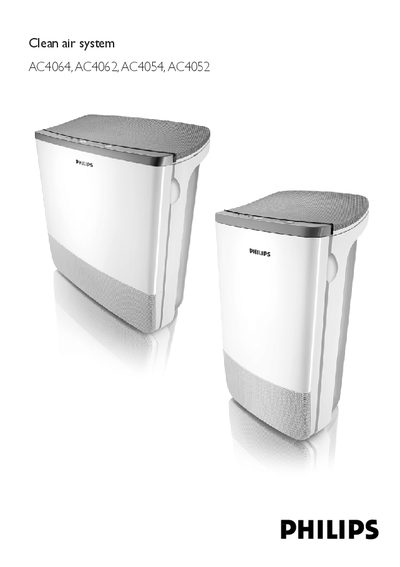

Philips AC4064/AC4062/AC4054/AC4052 Air Purifier User Manual - cover page
Brand
Philips
Category
Air Cleaners Purifiers
Document type
User Manual
Language
English
Pages
100
File format
PDF
File size
1.4 MB
Published
20 March, 2012
Updated
30 September, 2023
MD5 checksum
25D50D479122A0F96FA8CEE5B311B087

About this manual

This manual explains how to install, operate, and maintain the Philips AC4064/AC4062/AC4054/AC4052 air purifier. It includes safety warnings, wiring checks, and guidance on proper placement and filter handling.

Detailed instructions cover the control panel functions, SmartAir automatic air‑quality sensing, BoostPower mode, speed selection, timer settings, and routine cleaning of the appliance and its filters.

What's inside

  • General description
  • Control panel
  • Safety warnings
  • Before first use
  • Using the appliance
  • SmartAir Control
  • BoostPower
  • Timer function
  • Cleaning and maintenance

Frequently asked questions

How do I set the timer on the air purifier?

Press the timer button to set the operating time (1, 4 or 8 hours).

How do I remove the particle filter?

Grab the filter handles on both sides and gently slide the particle filter out of the appliance.

What does the SmartAir indicator show?

The air‑quality indicator flashes red while measuring, then lights green if the air quality is good or red if it is poor.

Download PDF (1.4 MB)

More Philips Manuals


View all Philips manuals →