
This is a product manual for an iron.
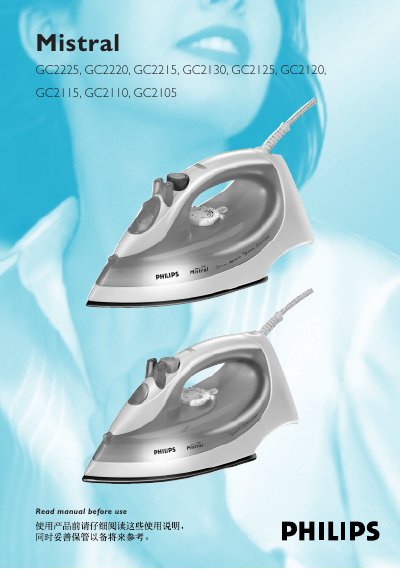
This user manual covers the Philips GC2225 family of steam irons, describing safe handling, preparation, and basic operation. It includes warnings, voltage checks, and guidance for first‑time use.
Key features such as temperature control, steam control, spray function, Shot‑of‑Steam, Extra Steam, drip‑stop, and automatic shut‑off are explained, along with cleaning, the Calc‑Clean function, and technical specifications.
| Voltage | 220-240V |
|---|---|
| Power | 1450-1750W |
| Frequency | 50-60Hz |
| Current | 6.6-7.3A |
Remove the mains plug, set the steam control to O, open the filling cap, tilt the iron, fill with a measuring cup up to the maximum level, then close the filling cap.
Press and release the Shot‑of‑Steam button; it works at temperature settings between 2 and MAX to remove stubborn creases.
The automatic shut‑off function switches off the heating element after a period of inactivity, indicated by a blinking red pilot light; moving the iron reactivates it.