
The document describes the features and characteristics of the Steam Iron GC2652, GC2650, GC2640, GC2620, GC2560, GC2530, GC2528, GC2522, GC2520, GC2510 and other models.
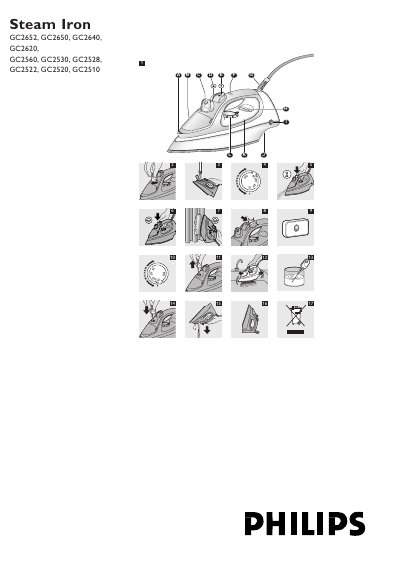
This manual covers the Philips GC2652‑GC2510 series steam irons, describing their features, safety precautions, and how to prepare the appliance for use. It includes detailed instructions for filling the water tank, setting the temperature, and using steam functions such as spray, shot‑of‑steam, and vertical steam.
Additional sections explain cleaning and maintenance procedures (including the Calc‑Clean function), storage recommendations, environmental disposal, warranty information, and a troubleshooting guide for common problems such as a cold soleplate or lack of steam.
| Anti‑Calc tablet | Included (all models except GC2510) |
|---|---|
| Automatic shut‑off light | Yes (GC2560 only) |
Check the mains cord, plug and wall socket for a connection problem and make sure the temperature dial is not set to MIN.
Use the Calc‑Clean function as described: set the steam control to O, fill the water tank, set the temperature dial to MAX, and run the cleaning cycle.
It automatically stops producing steam when the temperature is too low, preventing water from dripping out of the soleplate.
Pick the iron up or move it slightly; the automatic shut‑off light will stop blinking and the heating element will turn on again.