
This is an English PAL Mini Digital Video Cassette product user manual
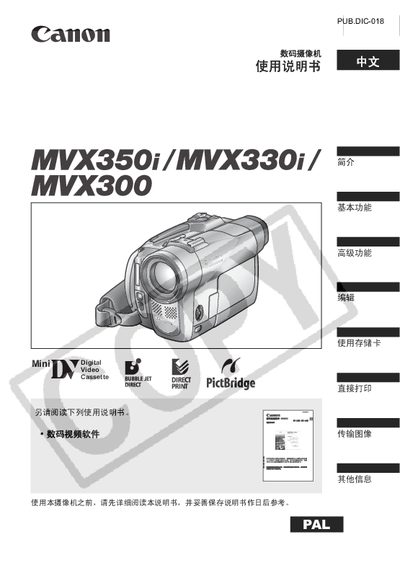
This manual explains how to prepare the camera, insert or remove tapes and storage cards, install batteries, and use the wireless remote. It also covers basic functions such as recording, playback, zoom, and advanced features like night‑scene mode, manual exposure, and white‑balance adjustments.
Safety warnings, language selection, accessory information, and detailed button descriptions are included, along with troubleshooting tips and specifications for optional power adapters and batteries. This manual is written in Chinese.
| Power Adapter | CA-570 small power adapter |
|---|---|
| Primary Battery | NB-2LH |
| Backup Battery (CR1616) | CR1616 button lithium cell |
| Remote Control Battery | CR2025 lithium cell |
| Release Year | 2005 |
Select the language option from the menu before first use.
Open the battery compartment, insert the NB‑2LH battery, and close the cover securely.