
This document is the user manual for the Canon XL2 digital camcorder. It includes information on preparing the camcorder, recording function, playback function, editing function, and more.
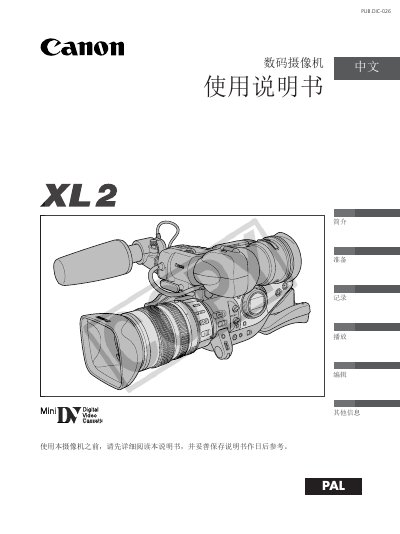
This manual guides users through the essential steps to set up and operate the Canon XL2 digital video camera, covering everything from initial preparation and accessory checks to recording, playback, and editing functions. It includes detailed explanations of menu settings, lens operation, and custom key configuration.
Safety precautions, battery handling, and maintenance advice are also provided to ensure reliable performance and to prevent damage or injury. The document lists the supplied accessories and offers troubleshooting tips for common issues. This manual is written in Chinese.
| Lens | 20x L IS zoom, 5.4‑108 mm focal length |
|---|
No, you should not expose the product to rain or a humid environment to avoid fire or electric shock hazards.
Unplug the power plug from the outlet when the product is not being used.
No, the device contains parts that should not be serviced by the user; contact qualified service personnel for repairs.