
This file is the operating instructions for Nintendo game consoles, including operating methods and safety tips.
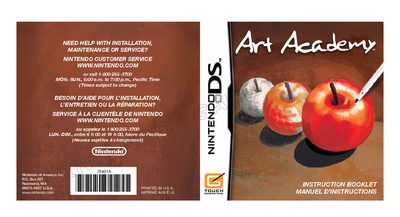
The document serves as an instruction booklet for the video game software 'ART ACADEMY' designed for use with Nintendo DS systems. It begins with important health and safety warnings regarding seizures, radio frequency interference, and battery leakage before detailing how to install the Game Card.
The guide explains the two primary modes of the game: Lessons, where users learn drawing techniques from a character named Vince, and Free Paint, which allows for unrestricted creativity. It provides instructions on navigating menus, using the stylus and buttons, managing save data, and utilizing specific features like the image library.
The game features two modes: Lessons, for learning drawing and painting techniques, and Free Paint, for drawing freely.
To begin, select 'Start New Lesson' from the Lessons menu and then choose an available save slot.