
This document is a quick start guide for ArcSoft Panorama Maker 2000.
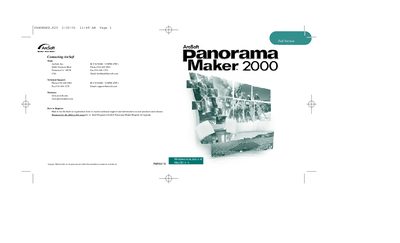
This guide introduces ArcSoft Panorama Maker 2000, an image‑stitching program for Windows and Mac. It outlines the system requirements, installation process, and key features such as multiple panorama styles, automatic stitching, and image editing tools.
The document walks users through launching the software, selecting panorama options, arranging photos, previewing, fine‑tuning, editing, saving, exporting, and printing panoramas, with clear step‑by‑step instructions and notes on required hardware and software components.
| Display | 16‑bit (or higher) color display |
|---|---|
| Required Peripherals | CD‑ROM drive and mouse |
Insert the Panorama Maker 2000 CD into the CD‑ROM drive, then follow the on‑screen prompts; if Autorun is disabled, run D:/Setup.exe manually.