
ArcSoft PhotoStudio 5.0 User Manual

This is the user manual for PhotoStudio 5.0 software
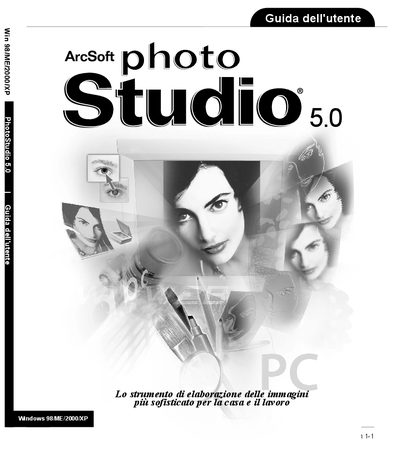

ArcSoft PhotoStudio 5.0 User Manual - cover page
Brand
ArcSoft
Category
Graphic images
Document type
User Manual
Language
Italian
Pages
85
File format
PDF
File size
919 KB
Published
19 March, 2012
Updated
30 September, 2023
MD5 checksum
500AEEDF08AE742D73489E3396293123

About this manual

This manual provides step-by-step instructions for using ArcSoft PhotoStudio 5.0, a comprehensive image editing tool for home and office use. It covers core editing functions, color adjustments, painting tools, layer management, special effects, and file operations including saving, printing, and emailing images. The guide is tailored for Windows 98/ME/2000/XP users and includes licensing and support information. This manual is written in Italian.

What's inside

  • Introduction
  • Getting Started
  • Desktop Components
  • Basic Editing Commands
  • Opening and Creating Images
  • Viewing Images
  • Selecting Areas
  • Working with Colors
  • Painting and Retouching Tools
  • Enhancing Images

Frequently asked questions

What is PhotoStudio 5.0?

An image processing tool for home and work.

Which operating systems are listed for PhotoStudio 5.0?

Windows 98, ME, 2000, and XP.

How many computers may one licensed copy be used on at one time?

One computer at a time.

What must a user do to get a full refund if they do not accept the license terms?

Return the product to the seller within 10 days of purchase.

Download PDF (919 KB)

More ArcSoft Manuals


View all ArcSoft manuals →