
This document provides ArcSoft's contact information, including phone number, fax number, email address, website, etc.
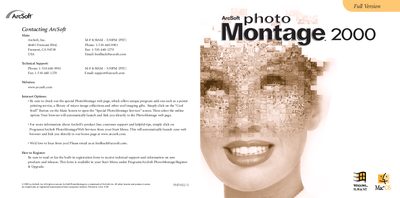
This guide introduces ArcSoft PhotoMontage 2000, a program that lets users turn digital photos into mosaic-style montages using micro-image collections. It covers system requirements, installation steps for Windows and Mac, and how to navigate the main screens. The guide also includes a tutorial on creating a montage, from selecting a main photo to saving or printing the final result.
Users can access additional features like online poster printing, hidden treasure games, and signature personalization. The guide also explains how to use online help and context-sensitive tips for navigating the software.
The software supports Windows 95, 98, ME, 2000, and NT.
You need 20 MB of free hard disk space.
Mac users require 64 MB of RAM, or 32 MB with virtual memory.