
This document describes the software license agreement for a powerful image editing software called PhotoStudio 5.0. The software is designed for home and office use and offers advanced image editing capabilities.
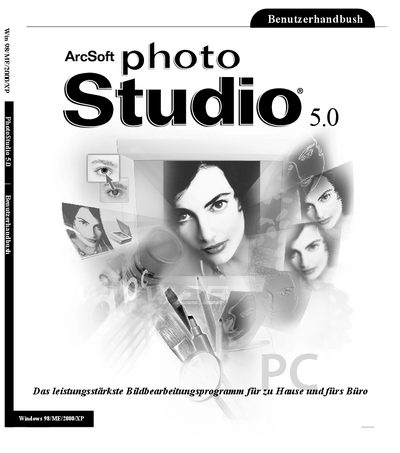
This manual introduces PhotoStudio, explains how to install and register the software, and walks users through the desktop interface. It covers the main components, tool palettes, and how to customize the workspace.
Detailed chapters describe basic image editing commands, file handling, color adjustments, painting tools, special effects, layer and macro usage, as well as saving, printing, and sending images via e‑mail. The document also lists system requirements and provides contact information for ArcSoft technical support. This manual is written in German.
| Supported operating systems | Windows 98/ME/2000/XP |
|---|
You must provide your name, e‑mail or postal address, telephone number, the product name and serial number, and a description of any problem.