
This document is the user manual and end user license agreement for ArcSoft's PhotoStudio software. The software is compatible with Win 98/Me/2000/XP operating systems and provides photo editing features.
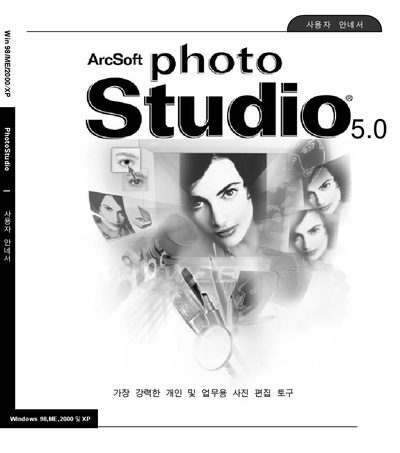
ArcSoft PhotoStudio is a 32-bit digital image editing application for Windows 98, Me, 2000, and XP. The manual covers opening, editing, correcting, and printing images, along with desktop components, selection, painting, effects, layers, albums, and macros.
The software supports common image formats and color conversions, and includes tools for selection, painting, image correction, special effects, text, layers, albums, macros, and batch processing. This manual is written in Japanese.
| Supported operating systems | Windows 98, Me, 2000, XP |
|---|---|
| Supported open formats | .PSF, .JPG, .BMP, .TIF, .PNG, .PCX, .TGA, .FPX, .PSD, .PCD |
| Supported save formats | .PSF, .JPG, .BMP, .TIF, .PNG, .PCX, .TGA, .FPX, .EPS |
| Color conversion | 8-bit grayscale and 24-bit RGB true color / 48-bit RGB color |
| Image transfer | Images can be passed to other Windows applications through the Windows clipboard |
It supports Windows 98, Me, 2000, and XP.
It can open .PSF, .JPG, .BMP, .TIF, .PNG, .PCX, .TGA, .FPX, .PSD, and .PCD files.
Yes, images can be passed to other Windows applications through the Windows clipboard.