
ArcSoft PhotoStudio Mac 8.5 User Manual

This document is software license agreement
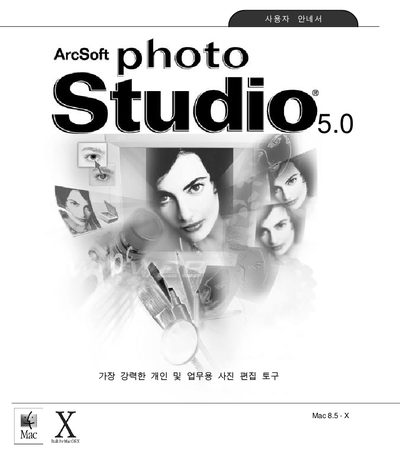

ArcSoft PhotoStudio Mac 8.5 User Manual - cover page
Brand
ArcSoft
Category
Graphic images
Document type
User Manual
Language
Korean
Pages
81
File format
PDF
File size
3.2 MB
Published
19 March, 2012
Updated
01 October, 2023
MD5 checksum
A5943117A64CF40F8A9DAD96308F1530

About this manual

ArcSoft PhotoStudio Mac 8.5 is an image editing program for Macintosh computers. This Korean-language user manual explains installation, system requirements, and the PhotoStudio desktop before describing editing, viewing, selection, color, and paint tools.

Later chapters cover image enhancement, special effects, text, albums, layers, macros, and saving or printing images. The manual also lists supported image file formats and common editing tasks. This manual is written in Korean.

What's inside

  • Getting started and installation
  • PhotoStudio desktop
  • Basic editing commands
  • Opening and creating image files
  • Viewing images
  • Selecting areas
  • Color work
  • Paint and texture tools
  • Image enhancement, special effects, text, albums, layers, macros, saving, and printing

Specifications

Supported open formats.PSF, .JPG, .BMP, .TIF, .PICT, .PSD
Supported save formats.PSF, .JPG, .BMP, .TIF, .PICT

Frequently asked questions

Which image file formats can PhotoStudio open?

It can open .PSF, .JPG, .BMP, .TIF, .PICT, and PhotoShop .PSD image files.

Which formats can PhotoStudio save images in?

It can save files in .PSF, .JPG, .BMP, .TIF, and .PICT formats.

Download PDF (3.2 MB)

More ArcSoft Manuals


View all ArcSoft manuals →