
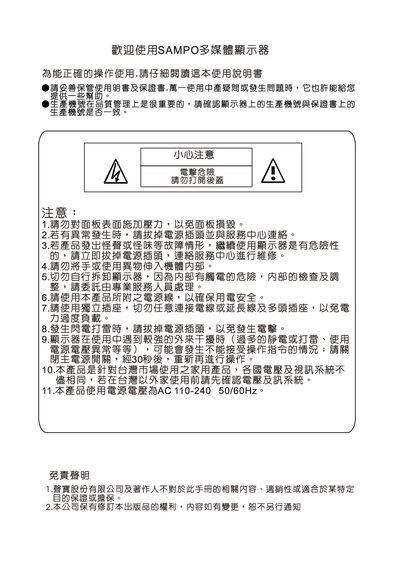
This manual explains safety precautions, proper installation, and connection methods for the Sampo multimedia LCD monitor. It covers power handling, input selection, and basic operation controls such as volume and menu navigation.
Additional sections describe image adjustment modes, sleep timer settings, audio display options, troubleshooting steps, and specifications for both the monitor and optional wall‑mount accessories. This manual is written in Chinese.
| Wall‑mount screw hole pattern (primary) | 8 holes |
|---|---|
| Wall‑mount screw hole pattern (secondary) | 12 holes |
| Inclination angle options | 0°, 5°, 10°, 15° |
| Angle thickness | 74 mm |
Press the POWER button to turn the monitor on; the status indicator turns green. Press the POWER button again to power off, and the indicator turns yellow.
Press the INPUT key to choose the desired input mode.
Do not power on the monitor immediately; allow it to dry for a period before using it again.
Hold the VOL+ key to increase volume or the VOL‑ key to decrease volume.