
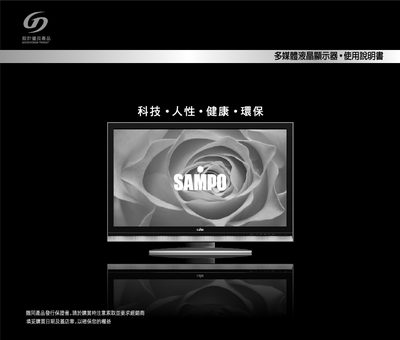
This manual explains the safety precautions required when handling the Sampo TINSC2277Y1 LCD monitor, including proper cleaning, power handling, and what to do in case of faults. It also details the steps for installing the monitor on a desk or wall mount, ensuring correct VESA alignment and secure mounting.
Additional sections cover routine maintenance, troubleshooting tips for static‑induced issues, and contact information for authorized service. Following these guidelines helps ensure reliable operation and longevity of the monitor. This manual is written in Japanese.
| Input Voltage | AC 100‑240 V 50/60 Hz |
|---|---|
| VESA Mounting Pattern | 200 mm × 200 mm |
| Model Number | TINSC2277Y1 |
Use a VESA‑compatible wall mount with a 200 mm × 200 mm pattern as specified in the manual.
Unplug the unit and wipe the panel with a dry soft cloth; do not use liquids or abrasive cleaners.
Turn the power off, wait about 30 seconds, then turn it on again to reset the device.
Call the service hotline 0800‑005438 for authorized repair assistance.