
This document introduces the features and characteristics of a laptop from a certain brand. The laptop is powered by the 10th Generation Intel Core i7-10750H processor and features an RTX 2080 SUPER Max-Q graphics card. It has a 15.6-inch Full HD IPS display and a 720p webcam.
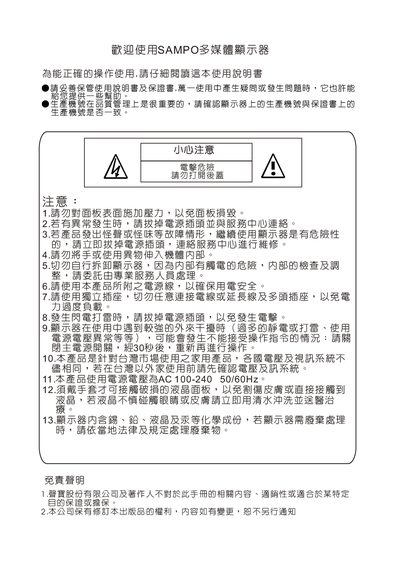
This guide covers safety precautions, proper handling, and installation advice for the Sampo multimedia monitors. It explains how to mount the unit, keep the device away from liquids, and use only the supplied power cable to ensure safe operation.
The manual also details basic operation such as powering on/off, selecting input sources (RGB, HDMI, audio), adjusting volume, and using the RS‑232 interface. Technical specifications for both the LM‑26V37 and LM‑37W37 models are listed, including screen size, resolution, power requirements, and dimensions. This manual is written in Chinese.
| Model | LM-26V37 / LM-37W37 |
|---|---|
| Screen Size (mm) | 575.7 × 323.7 × 26 (LM‑26V37), 819.6 × 460.8 × 37 (LM‑37W37) |
| Aspect Ratio | 16:9 |
| Resolution | 1366 × 768 |
| Power Supply | AC 100‑240 V 50/60 Hz |
| Rated Current | 1.5 A / 2.0 A |
| Standby Power | 3 W / 4 W |
| Maximum Power Consumption | 130 W / 200 W |
| Weight (with stand) | 13 kg / 21 kg |
Connect an HDMI cable from the PC’s HDMI output to the monitor’s HDMI‑IN port; note that HDMI‑to‑DVI does not carry audio, so a separate audio cable is required for sound.