
SAMPO LM-32H28 LCD Monitor User Manual


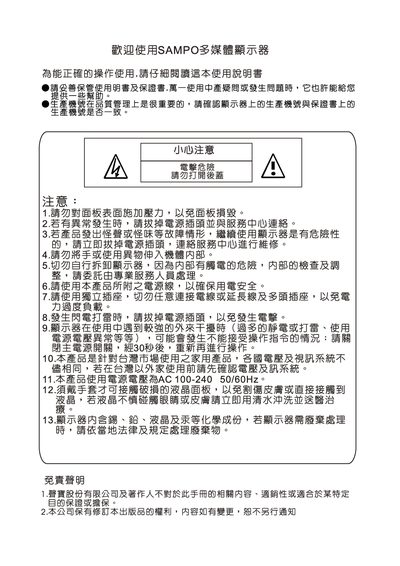
SAMPO LM-32H28 LCD Monitor User Manual - cover page
Brand
Sampo
Category
Monitor
Document type
User Manual
Language
ZH-TW
Pages
21
File format
PDF
File size
10.2 MB
Published
19 March, 2012
Updated
31 March, 2012
MD5 checksum
73F28F5CB467C7CC6960390784AC06CD

About this manual

This document is the user manual for the SAMPO LM-32H28 multimedia LCD monitor. It covers safety precautions, basic operations including power on/off and input selection, and image adjustment settings. The guide also details how to connect the monitor to a PC using RGB or HDMI/DVI cables and explains the functions of the front panel controls. This manual is written in Chinese.

What's inside

  • Safety Instructions
  • Package Contents
  • Understanding the Monitor
  • Connecting the Monitor
  • Basic Operations
  • Image Adjustment
  • Specifications

Specifications

Screen Size32 inch
Resolution1366 x 768
Aspect Ratio16:9
Power SupplyAC 100-240V 50/60Hz
Weight (with stand)17.1 kg

Frequently asked questions

What are the input signal formats supported?

The monitor supports 480p, 720p, and 1080i high-quality digital signals.

What is the display size of the LM-32H28?

The display size is 697.685 x 392.256 mm.

What is the resolution of the LM-32H28?

The resolution is 1366 x 768.

What is the aspect ratio of the LM-32H28?

The aspect ratio is 16:9.

Download PDF (10.2 MB)

More Sampo Manuals


View all Sampo manuals →