
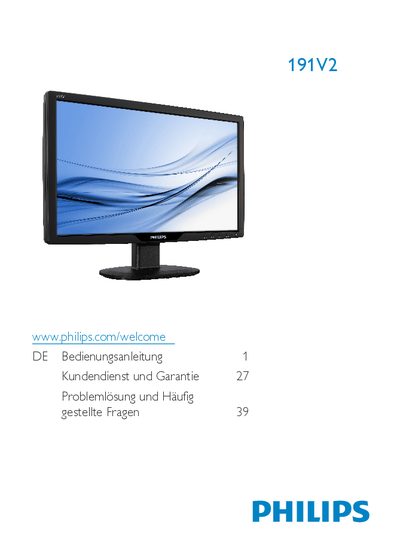
This manual explains important safety measures, proper handling, and maintenance for the Philips 191V2 LCD monitor. It covers environmental disposal, recommended operating temperature (0‑40 °C) and humidity (20‑80 %), and how to avoid electrical hazards.
Installation steps, connection options (VGA, DVI‑D, PC‑Audio), and detailed instructions for using the on‑screen display (OSD) are included. The guide also describes the native resolution (1366 × 768 @ 60 Hz), how to adjust picture settings, and how to remove the stand and base. Frequently asked questions address compatibility, plug‑and‑play support, panel technology, and image‑burn‑in issues. This manual is written in German.
| Operating temperature | 0‑40 °C (32‑95 °F) |
|---|---|
| Operating humidity | 20‑80 % RH |
| Native resolution | 1366 × 768 @ 60 Hz |
| VGA input | Available |
| DVI‑D input | Available on certain models |
| PC‑Audio input | Available on certain models |
Yes, all Philips LCD monitors are fully compatible with standard PCs, Macs and workstations.
Yes, the monitors are plug‑and‑play compatible with Windows 7, Vista, XP, Mac OS X and Linux.
The monitor uses IPS panels, which provide the best contrast ratio compared with MVA and PVA technologies.