
This document is the electronic user manual for Philips LCD monitor, which includes safety and troubleshooting information. It provides instructions for operating and maintaining the LCD monitor, as well as troubleshooting steps for common problems. It also provides information about temperature and humidity conditions, as well as guidelines for repairs. The manual emphasizes the use of approved power cords provided by Philips and the importance of avoiding dusty, wet, or humid environments when using the monitor.
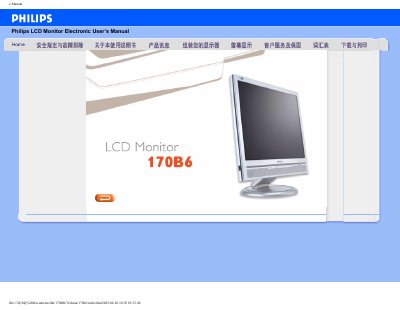
This electronic user guide covers safety and troubleshooting information, proper handling, cleaning, and maintenance of the Philips 170B6 LCD monitor. It also includes detailed product specifications, installation instructions, screen‑adjustment settings, and warranty details.
The manual lists consumer service contacts worldwide and provides symbols explanations, a glossary of technical terms, and instructions for downloading or printing the guide. This manual is written in Chinese.
| Display size | 17 inch diagonal |
|---|---|
| Resolution | 1280 x 1024 pixels |
| Contrast ratio | 500:1 (typical) |
| Brightness | 250 cd/m² (typical) |
| Response time | <8 ms |
| Input connectors | Dual input – VGA (D‑Sub) and DVI |
You must wait at least 6 seconds before reconnecting the power cable.
Use only the Philips‑approved power cable supplied with the monitor.
No, the monitor should not be exposed to direct sunlight.
Turn off the power, unplug the cable, dry the unit with a soft cloth, and send it to a service center.