
This document describes the features, installation, operation and other information of Philips LCD monitor/TV
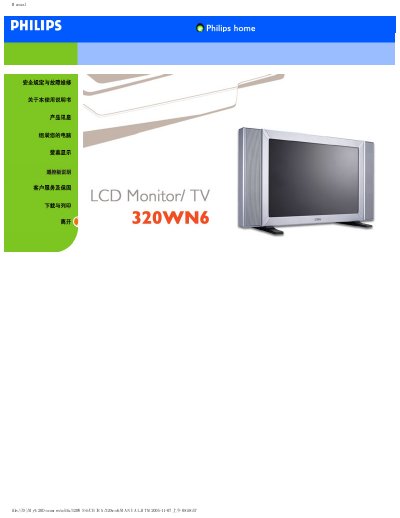
This electronic user guide covers safety and troubleshooting, installation procedures, operation of both monitor and TV functions, and warranty information for the Philips 320WN6 LCD monitor/TV.
It also lists the product's technical specifications, including display size, resolution, brightness, contrast, power consumption, dimensions, weight, and available input ports. This manual is written in Chinese.
| Display size | 31.51 inches |
|---|---|
| Resolution | 1366 x 768 (WXGA) |
| Brightness | 500 cd/m² (typical) |
| Contrast ratio | 1200:1 (with DCR) |
| Power consumption (PC mode) | 100 W (typical) |
| Dimensions (W×H×D) | 1014 mm × 517 mm × 244 mm |
| Weight | 19.2 kg |
| Input ports | CVBS, S‑Video, SCART, YPbPr, RF (TV) |
Make sure the video cable and power cable connections are secure, verify the power outlet, and confirm the monitor’s power switch is on.
Use the menu to go to Image Settings → Auto Adjust, which will automatically correct the picture.
When the monitor is in running mode it consumes less than 100 W (typical) and the indicator light turns blue; in sleep mode consumption drops below 5 W with an amber light.