
This manual introduces the usage of Philips TV, including installation, connection, operation, etc.
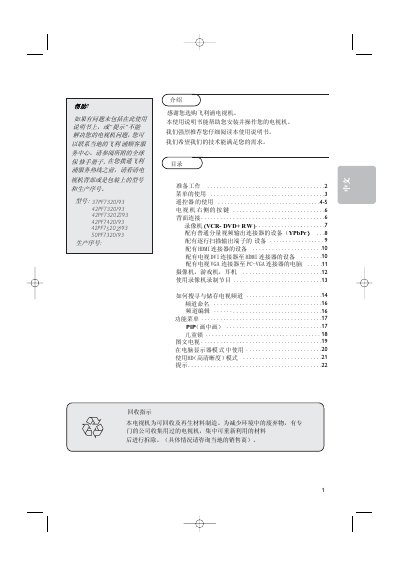
This user manual provides instructions for the installation and operation of Philips televisions. It covers essential setup procedures, the use of the remote control, and the function of the buttons located on the right side of the TV.
The document details how to connect various external devices, including HDMI, VGA, and YPbPr components, and explains how to manage channels, use the PIP (Picture-in-Picture) feature, and adjust image settings. This manual is written in Chinese.
| Supported HD Signals | 480p, 576p, 720p, 1080i |
|---|---|
| VGA Resolution (XGA) | 1024 x 768 60 Hz |
| Voltage | 110-240V / 220-240V |
You can use the buttons on the right side of the television to change basic settings.
The television supports a voltage range of 110-240V or 220-240V.
The television can receive high-definition signals based on standards 480p, 576p, 720p, and 1080i.
No, this television does not require a separate ground connection.