
This document introduces the functions and features of the SDR-H288GK recorder, including video input signals, AV/S-Video input, USB interface, power interface, operating buttons, and display screen.
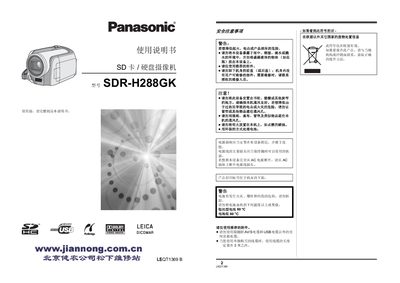
This manual provides step‑by‑step instructions for using the SDR‑H288GK camcorder, including how to insert and format SD/SDHC cards, operate the LCD monitor, and control recording functions such as zoom, focus and playback. It also covers connection to a computer via VideoCam Suite and details the functions of the remote controller.
Safety guidelines are included to prevent damage to the built‑in 30 GB HDD and battery, with warnings about vibration, temperature extremes, and proper disposal of batteries and electronic waste. This manual is written in Chinese.
| Internal HDD capacity | 30 GB |
|---|---|
| Supported memory cards | SD and SDHC cards |
| Battery type | CR2025 button cell |
| Optical zoom | Up to 10× |
Format the SD card using the camcorder; formatting it on a computer may increase recording time.