
This document describes the features and characteristics of the Panasonic DMC-FX33GK VQT1K00 camera, including Leica lens, Elmarit camera, AC adapter, etc.
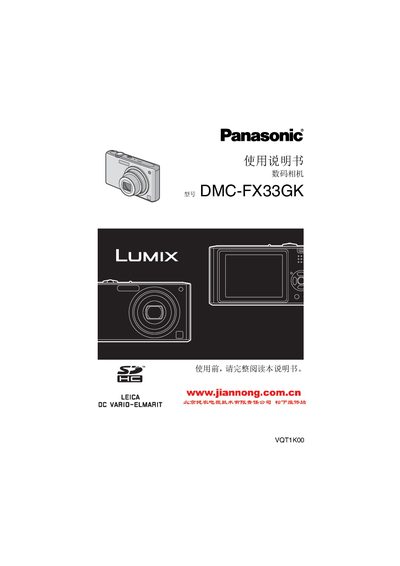
This user manual is for the Panasonic DMC-FX33GLK digital camera. It covers safety precautions, preparation, basic and advanced shooting and playback functions, menu settings, and connections to other devices.
The manual also includes troubleshooting, specifications, and information about supported memory cards, the battery, and the charger. This manual is written in Chinese.
| Supported memory cards | SD, SDHC, and MultiMediaCard |
|---|---|
| Dimensions | Approx. 94.9 mm (W) x 51.9 mm (H) x 22.0 mm (D), excluding protrusions |
| Weight | Approx. 132 g without memory card and battery; approx. 154 g with memory card and battery |
| Operating humidity | 10% to 80% |
| Battery charger input | 110 V to 240 V, 50/60 Hz, 0.2 A |
| Battery charger output | CHARGE 4.2 V, 0.8 A |
| Battery | 3.6 V, 1000 mAh (Panasonic DMW-BCE10GK) |
| AC adapter (optional) | Panasonic CDMW-AC5GK |
SD memory cards, SDHC memory cards, and MultiMediaCards can be used.
Yes, pictures can be taken and played back using the built-in memory when no memory card is used.
No, the camera cannot charge the battery even when an AC adapter is connected to the DC IN port.
Turn off the camera and leave it for about 2 hours until its temperature is close to the surrounding temperature.