
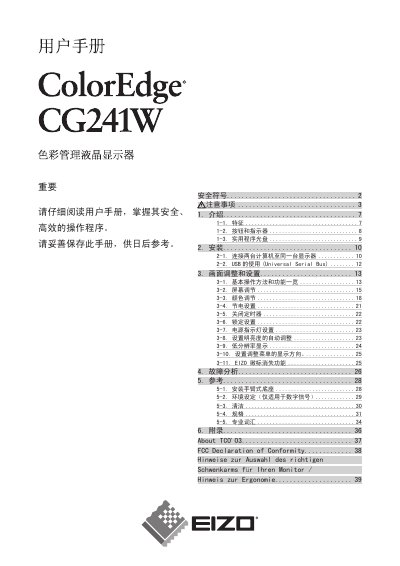
This manual covers all essential information for safely operating the Eizo CG241W color LCD monitor. It begins with safety symbols and warnings, then explains key features, button functions, and the supplied calibration software.
Installation guidance shows how to connect multiple computers, use the USB ports, and set up the monitor on a stable surface. Subsequent sections detail screen adjustments, power settings, cleaning procedures, specifications, and a troubleshooting guide. This manual is written in Chinese.
| Effective pixel percentage | 99.99948 % or higher |
|---|---|
| Resolution | 1920 × 1200 |
| Analog input frequency | 24‑94 kHz |
| Digital input frequency | 26‑78 kHz |
Turn off the monitor, unplug the power cord, then clean the screen and connectors.