
This manual introduces the use of the EIZO FORIS F2341W, including installation, screen adjustment, color adjustment, power-save setup, etc., and provides troubleshooting methods
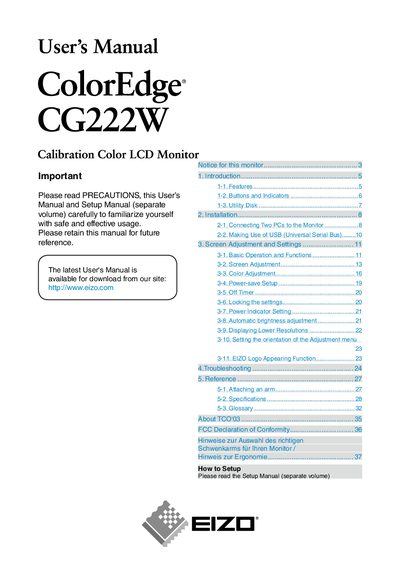
This manual covers the basic features of the EIZO CG222W, including its 22‑inch wide‑format LCD panel, 92% Adobe RGB color gamut, and dual DVI‑I inputs. It explains how to connect two PCs, adjust screen settings, and use the supplied ColorNavigator calibration software.
Safety guidelines, cleaning procedures, and ergonomic recommendations are also included, along with detailed specifications such as resolution, scanning frequencies, and power‑save functions. The document ends with contact information for EIZO support.
| Screen size | 22" wide format LCD |
|---|---|
| Color gamut | 92% of Adobe RGB |
| Resolution | 1680 × 1050 pixels |
| Inputs | Dual DVI‑I (digital and analog) |
| Effective pixel yield | 99.9994% or higher |
The monitor’s LCD panel has an effective pixel yield of 99.9994% or higher.
Clean the LCD surface with a soft cloth, such as cotton or lens paper, and optionally use the supplied ScreenCleaner or a lightly dampened cloth.