
This document is the user manual for the product, which describes the safety precautions, features, and functions of the product.
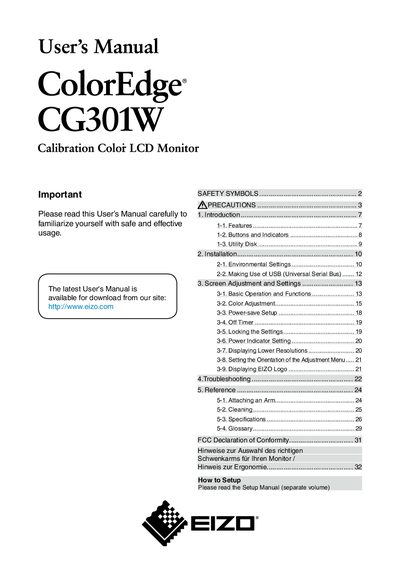
This manual introduces the EIZO CG301W color monitor, covering safety symbols, precautions, and regulatory notices. It explains the monitor's features, button functions, and the utility disk, and provides detailed installation guidance including environmental settings and USB usage.
Further sections describe screen adjustment, power‑save options, timer settings, orientation of the adjustment menu, and troubleshooting tips. The reference chapter lists arm‑attachment instructions, cleaning procedures, full specifications, and a glossary. FCC compliance information and regional notes conclude the document.
| Screen size | 29.8 inch |
|---|---|
| Color gamut | 97% Adobe RGB |
| Resolution | 2560 x 1600 (WQXGA) |
| Horizontal scan frequency | 26 – 100 kHz |
| Vertical scan frequency | 29.5 – 30.5 Hz (59 – 61 Hz VGA) |
| Power supply | 100‑120/200‑240 V AC, 50/60 Hz |
Connect the monitor to a grounded main outlet using the supplied power cord and ensure the voltage matches 100‑120/200‑240 V AC, 50/60 Hz.
The monitor’s native resolution is 2560 × 1600 pixels (WQXGA).