
This manual provides detailed instructions on how to safely and effectively use the monitor, including the monitor's features, package contents, controls and connectors, how to connect the signal cable, how to use the ScreenManager, how to make adjustments, how to use USB, how to install an arm, how to troubleshoot, etc.
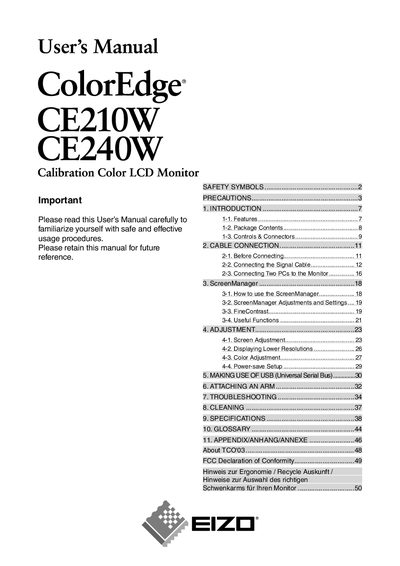
This manual provides step‑by‑step instructions for installing and operating the EIZO CE210W and CE240W ColorEdge LCD monitors. It includes safety guidelines, cable connections, screen management features, adjustment procedures, USB usage, arm attachment, troubleshooting and cleaning instructions.
The document also lists the technical specifications of each model, warranty information, recycling instructions for various regions, and contact details for EIZO worldwide support.
| Resolution (CE210W) | 1680 x 1050 |
|---|---|
| Resolution (CE240W) | 1920 x 1200 |
| Power supply | 100‑120/200‑240 Vac, 50/60 Hz |
| Effective pixel percentage | 99.9994 % or higher |
Both models provide dual DVI‑I inputs for analog and digital signals.
The monitor can be connected to a 100‑120 V or 200‑240 V AC mains supply, 50/60 Hz.
The LCD panel has an effective pixel yield of 99.9994 % or higher.
Recycling details are provided for Germany, Switzerland, USA, Sweden and other regions at the listed web addresses.