
Please read PRECAUTIONS, this User’s Manual and Setup Manual (separate volume) carefully to familiarize yourself with safe and effective usage.
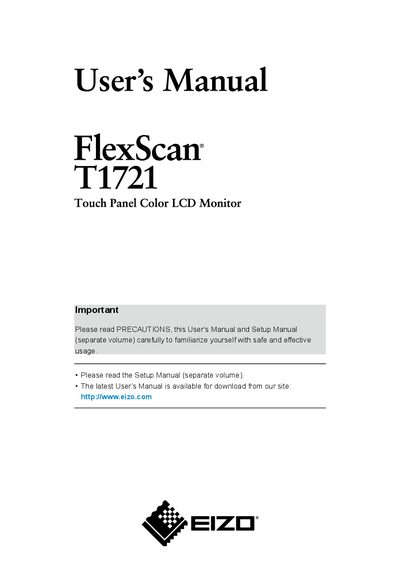
This manual covers the essential information for installing and using the EIZO T1721 17‑inch color LCD monitor with a Surface Acoustic Wave touch panel. It includes safety precautions, connection instructions, and detailed guidance on the monitor’s features such as Auto EcoView, FineContrast mode, and power‑saving functions.
Additional sections describe cleaning procedures, button functions, adjustment menus, and troubleshooting tips to help maintain optimal image quality and prolong the monitor’s lifespan.
| Screen size | 17‑inch |
|---|---|
| Maximum resolution | 1280 x 1024 |
| Touch panel technology | Surface Acoustic Wave |
| Effective pixel percentage | 99.9994% or higher |
| Energy Star compliance | Meets ENERGY STAR guidelines |
Allow at least 30 minutes after power‑on for the electrical parts to stabilize before making adjustments.
It shows the power‑saving ratio, power reduction, and CO₂ reduction achieved by the automatic brightness adjustment.
Adjust the brightness to a comfortable level and take a 10‑minute break each hour to reduce eye fatigue.