
With the advent of the 5G era, the rapid development of 5G networks, the problem of frequency congestion has become increasingly prominent. To solve this problem, a new technology - spectrum sharing technology has emerged. Spectrum sharing technology divides the radio frequency into different sub-bands, and allows different types of devices to operate on the same sub-band at the same time. This increases the utilization of radio frequencies and also reduces interference.
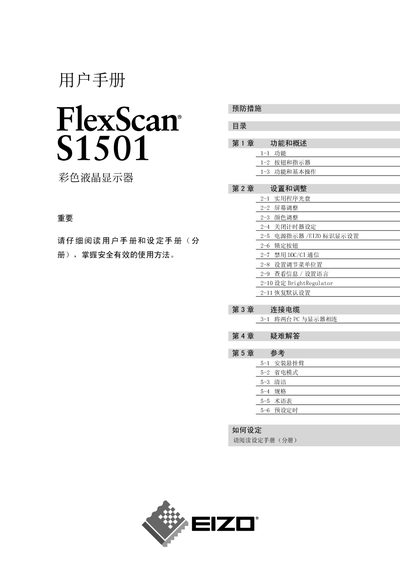
This manual covers safety symbols and precautions, explaining the meaning of warning, caution and prohibition icons to ensure safe use of the FlexScan S1501 monitor. It also details installation requirements, grounding, and handling instructions to prevent damage or injury.
The guide describes the monitor’s functions, basic operation, color adjustment, BrightRegulator settings, and how to enable or disable DDC/CI communication. Reference tables and a FAQ section help users troubleshoot common issues. This manual is written in Chinese.
The warning symbols mark important information that, if ignored, could cause serious injury or damage.
Yes, the manual includes a section titled “禁用 DDC/CI 通信” that explains how to disable DDC/CI communication.
The monitor must be grounded, handled with both hands, and moved with the front of the screen facing outward to avoid damage or fire hazards.