
EIZO EasyPIX EX1 is an EasyPIX series product of EIZO NANAO CORPORATION. It is a measurement instrument for measuring the colorimetric, luminance, contrast and color temperature parameters of liquid crystal display.
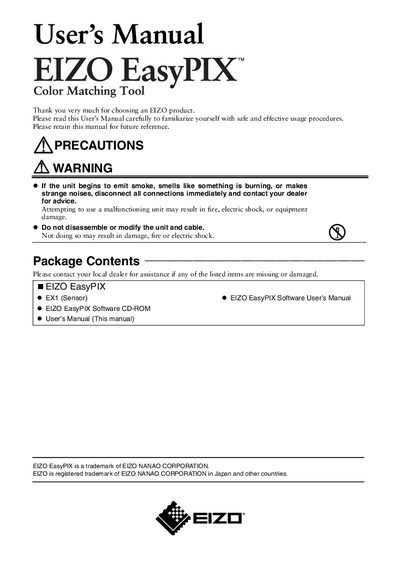
This manual introduces the EIZO EasyPIX color‑matching sensor, lists the package contents, and outlines important safety precautions. It explains how to install the EasyPIX software and attach the EX1 sensor to a monitor using the supplied USB cable.
Technical specifications such as interface type, operating temperature, humidity range, power consumption, weight, and dimensions are provided, followed by regulatory compliance notes and the limited two‑year warranty terms.
| Interface | USB |
|---|---|
| Operating Temperature | 15 - 35 °C |
| Storage Temperature | -10 - 60 °C |
| Operating Humidity | 30 - 80 % RH (non‑condensing) |
| Power Supply | 5.0 V ±0.25 V, 100 mA |
| Mass | 120 g (0.26 lb) |
| Dimensions | 93 mm × 99 mm × 33 mm |
Install the EIZO EasyPIX Software before connecting the EX1 sensor, as described in the EasyPIX Software User’s Manual.
Store the sensor at temperatures between -10 °C and 60 °C and humidity between 30 % and 80 % RH (non‑condensing).